


Setting up groups at the start of a new term just got a lot quicker. We've added a new easy grouping option that automatically sets up groups for the entire term in one step!
This makes it easy to set up basic grouping but still preserves the full flexibility of our new group set offerings.
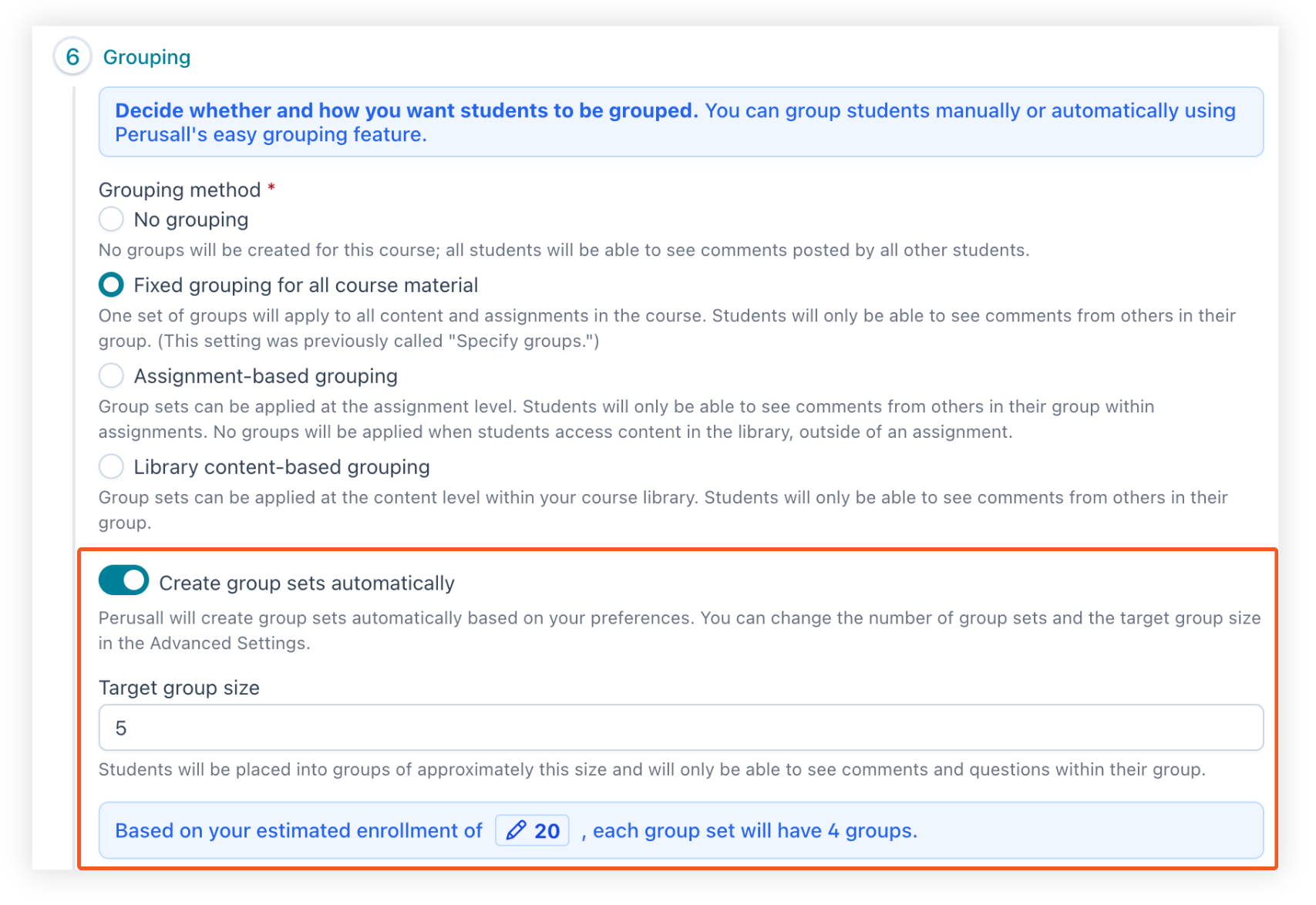
You'll find easy grouping in two places: in Step 6 of the course setup wizard when creating a new course, and anytime afterwards in Settings > Grouping. Simply enter your expected enrollment, and Perusall will distribute students evenly across the number of groups you specify. This works with any grouping method you use (fixed, assignment-based, or content-based), so you can get your course structure in place early and adjust individual groups manually as students enroll.
For long-time Perusall users, this one is for you! Easy grouping works similarly to the previous auto-grouping feature you may have used before, and this addition is a direct result of your feedback.
As a bonus feature, we’ve also added group sets to copying course features so you can use your group setup across courses!
Want to learn more about how groups work in Perusall? Check out our Knowledge Base article for a full walkthrough.


.png)