Features
Course content
Student collaboration
Assessment
LMS integration
Peer review assignments
Instructors
Students
Pricing
Connect
Upcoming events
Perusall Engage
Perusall Academy
Social Learning Amplified podcast
PerusHall community
Blog
Perusall Book Events
Perusall Exchange® annual conference
Resources
Knowledge base
Perusall book catalog
Institutions & universities
On-demand webinars
Research
Perusall Exchange® Library
Create account
Login
Create account
Login
Student Collaboration
Create authentic engagement inside your course content
Promote critical thinking
Engage with all types of course content
Students ask questions, help each other, and share opinions, transforming your course content into a social experience students won’t want to miss out on.
Add discussion prompts to assignments
Insert prompts within assignments to encourage conversation on specific topics and ideas. Optionally require students to respond independently before seeing others’ responses.
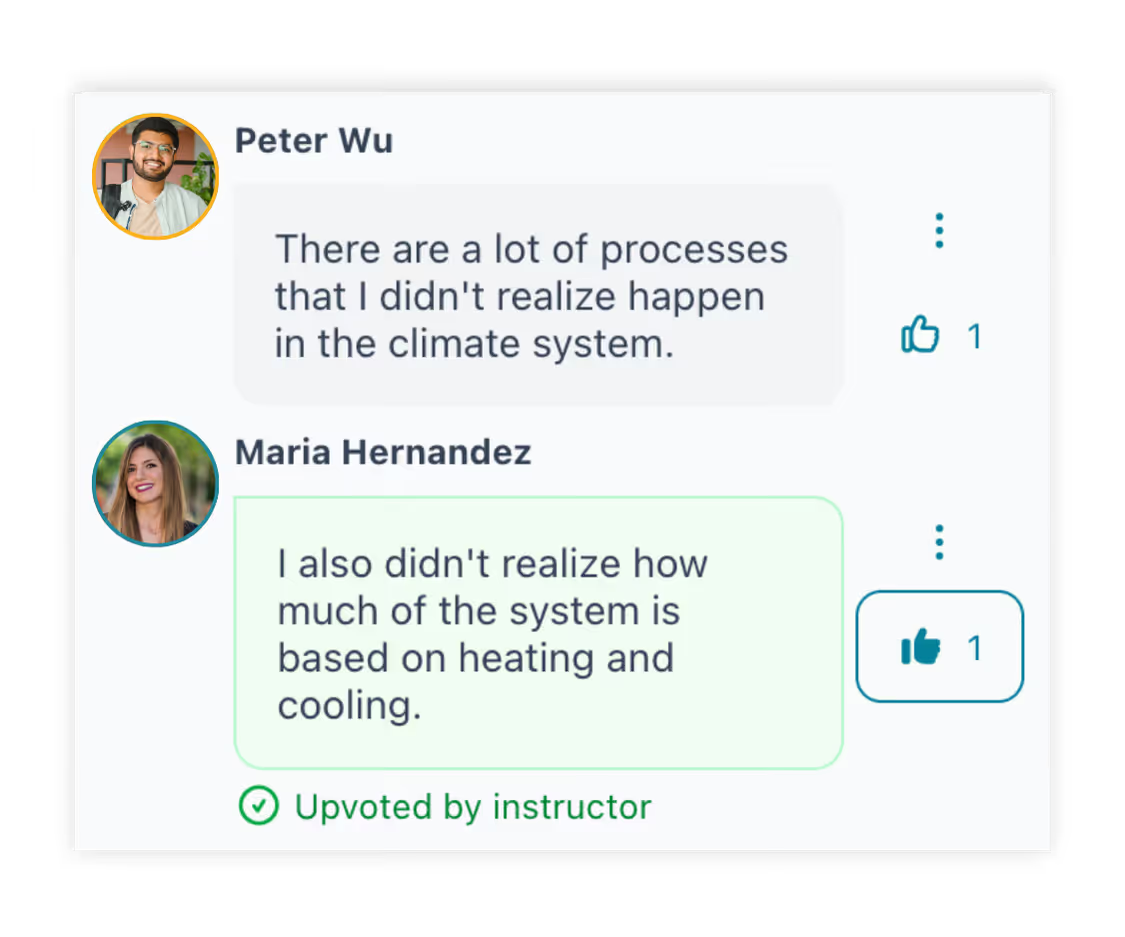
Upvote comments and questions
Students and instructors upvote each other’s comments indicate that it helped build understanding and provide motivating positive feedback. Students upvote questions to indicate they have the same question, providing valuable information to you about where students are struggling.
Make connections and build community
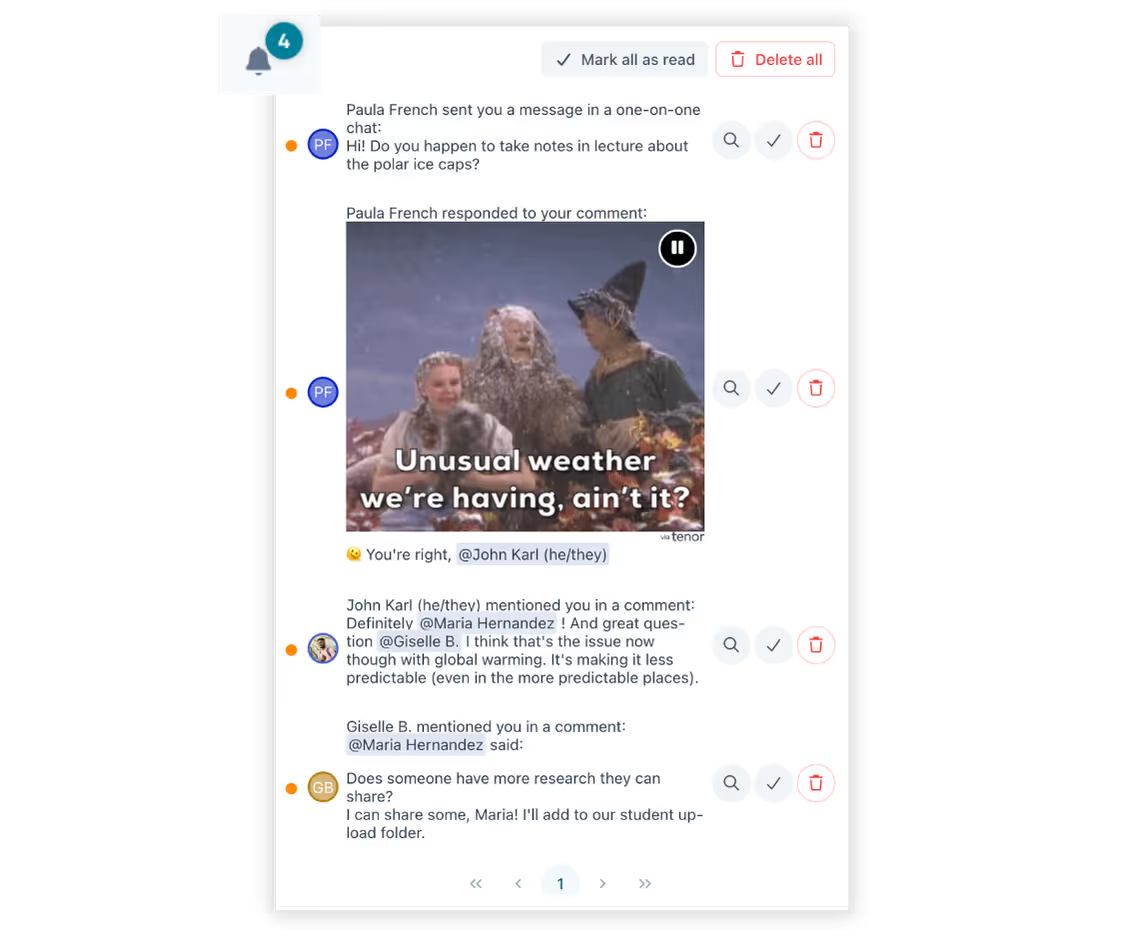
Stay engaged with notifications
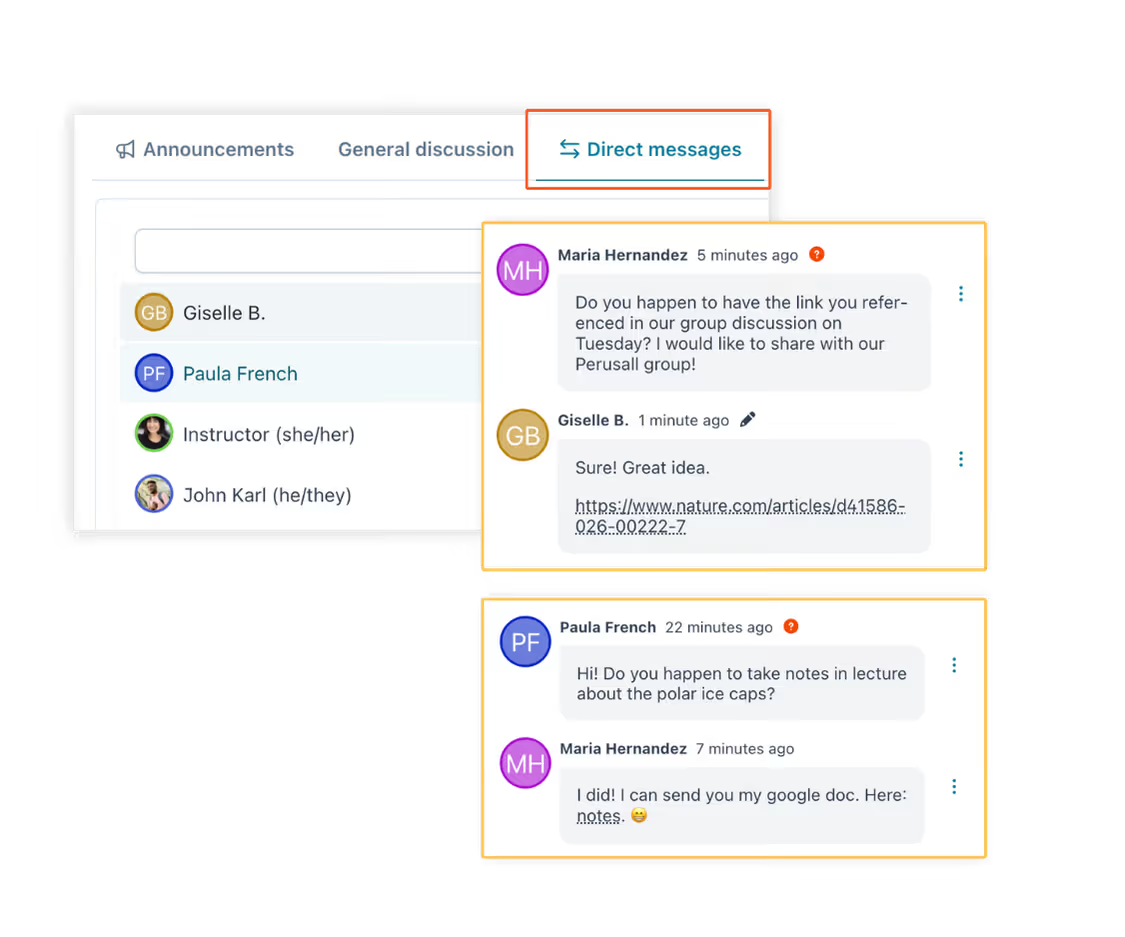
Students receive notifications to bring them back into the discussion when classmates tag them in a post, direct message them, or when subscribed to a conversation thread.
Quote a previous comment in a reply
Quote another post to reply directly to them, combining the simplicity of chat with the organization of threaded discussion.
Participate synchronously or asynchronously
Students engage with each other in real time when they are online at the same time (e.g., the night before class), or asynchronously when they aren’t. Either way, students work together to build community and learn together.
Engage even the most reserved students
Emojis, animated GIFs & images
Add emojis, animated GIFs, or images to conversations to create a casual, informal space for student learning.
Tag other students
@-mention a student or instructor to notify them and loop them into the conversation.
Group students for better collaboration
Focus without feeling overwhelmed
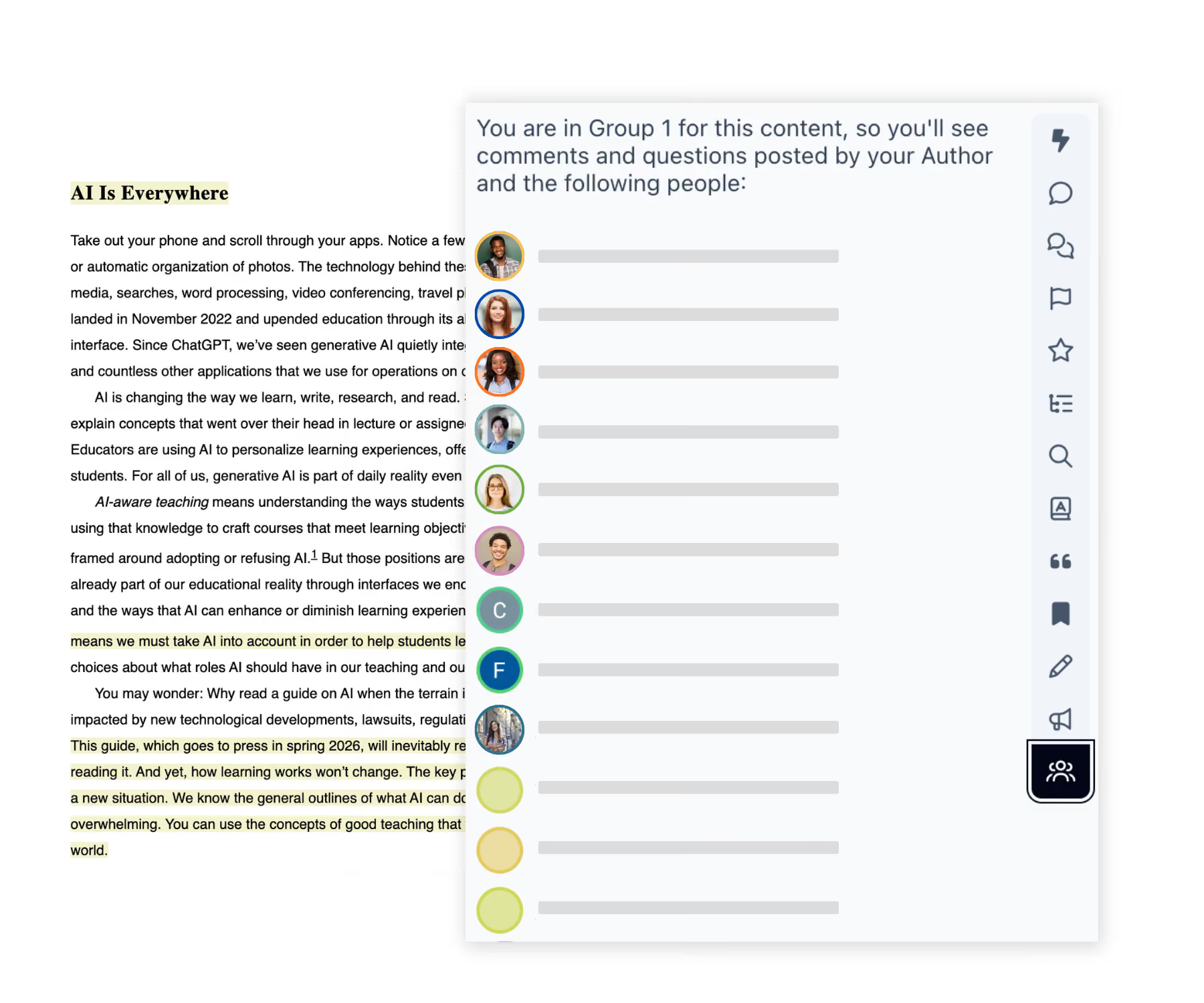
Students see comments from their own group, not the whole class, giving them a more intimate space to discuss ideas without feeling lost or overwhelmed.
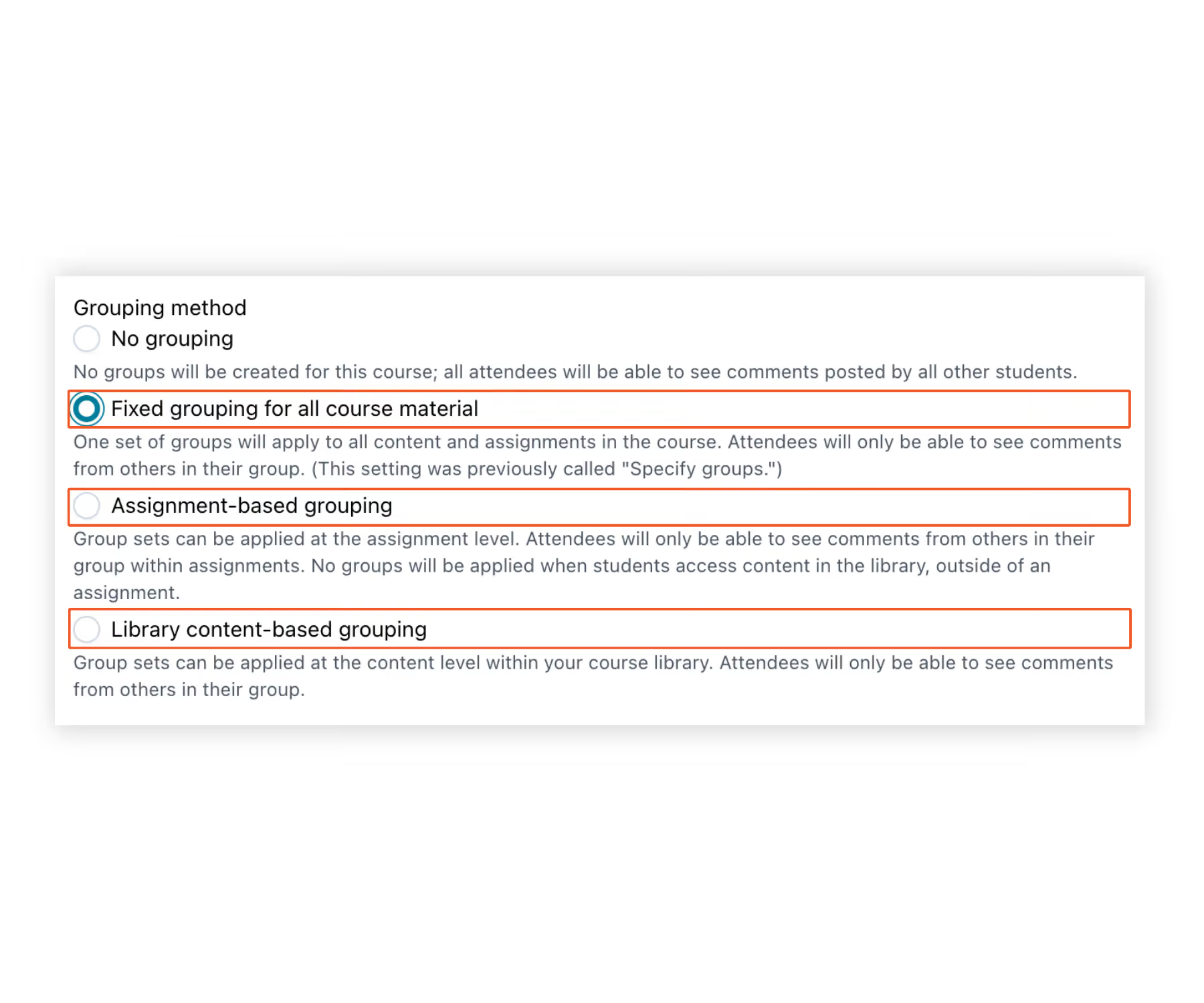
Discuss with new classmates, or stay in the same group
Keep one consistent group all term, or reshuffle groups per assignment or reading to spark new conversations and connections — whichever fits how you run your course.
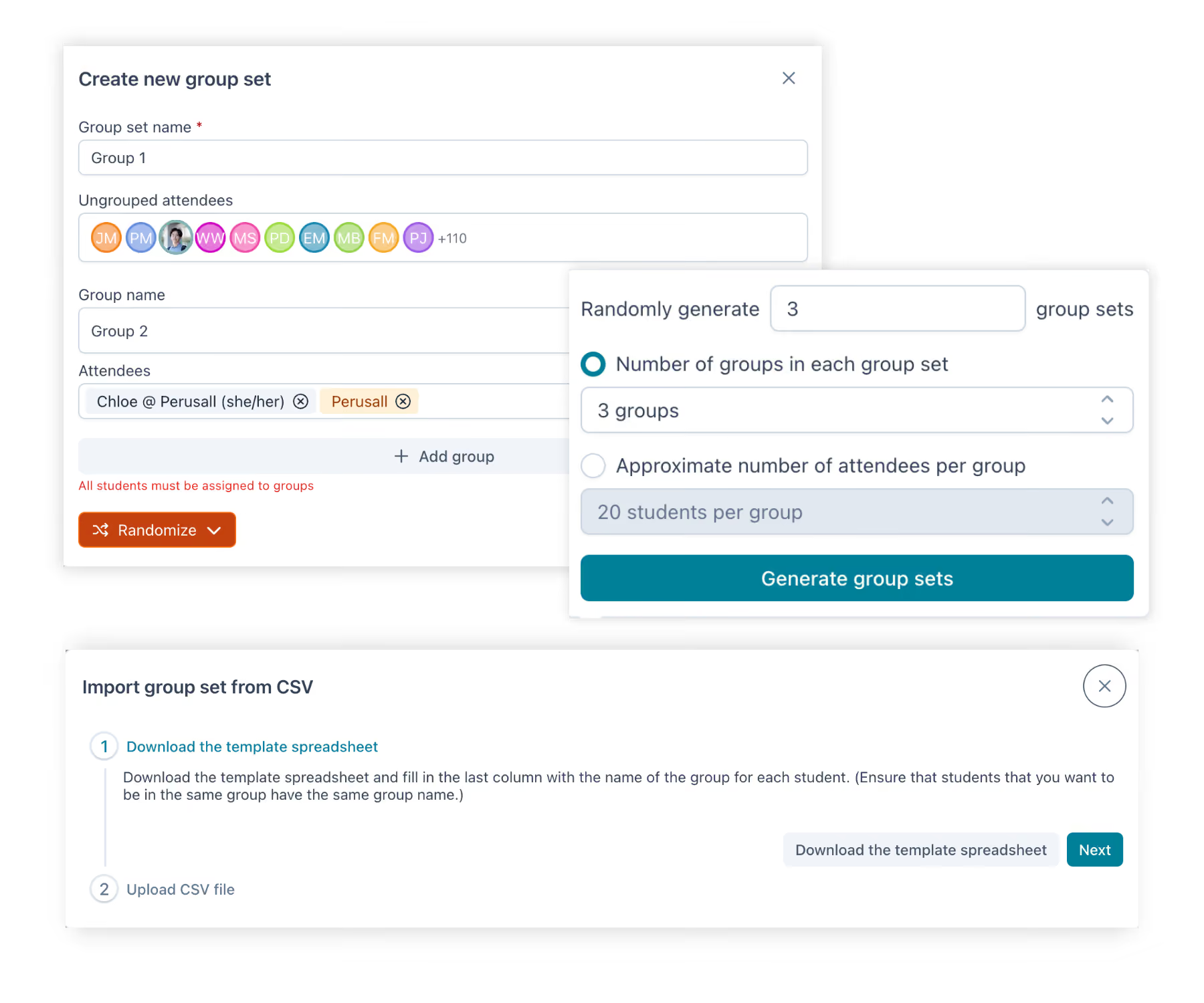
Set up groups automatically
Use Easy Grouping, upload a CSV, or import your groups or sections from your LMS course section. You can also add and adjust the groups manually in Perusall.